这是配置sing-box翻墙的服务端,一般运行在VPS上。
1. 技术选型与原理
本项目采用 VLESS 协议配合 Reality 传输方案。
- 协议类型: VLESS(可以理解为 V2Ray Less,意为“无缝与极致精简”)
- 加密与传输: Reality (配合 XTLS-Vision)(Reality 方案的核心是 Eliminating the camouflage(消除伪装))
- 选择原因:
- 消除指纹: Reality 方案通过借用目标网站(Dest)的合法 TLS 证书,消除了服务器端的 TLS 指纹特征,能够有效规避针对 TLS 握手特征的探测。
- 无需配置证书: 与传统的 Trojan 或 VLESS+TLS 方案不同,Reality 不需要持有域名、配置 Nginx 或申请 SSL 证书,降低了维护成本和暴露风险。
- 低延迟: 配合
xtls-rprx-vision
2.安装sing-box
我使用的是ubuntu,为了后期更新方便,我直接将sing-box源添加到系统中,这样就可以通过apt安装和更新sing-box。
到sing-box官方网站上可以看到添加源的命令。
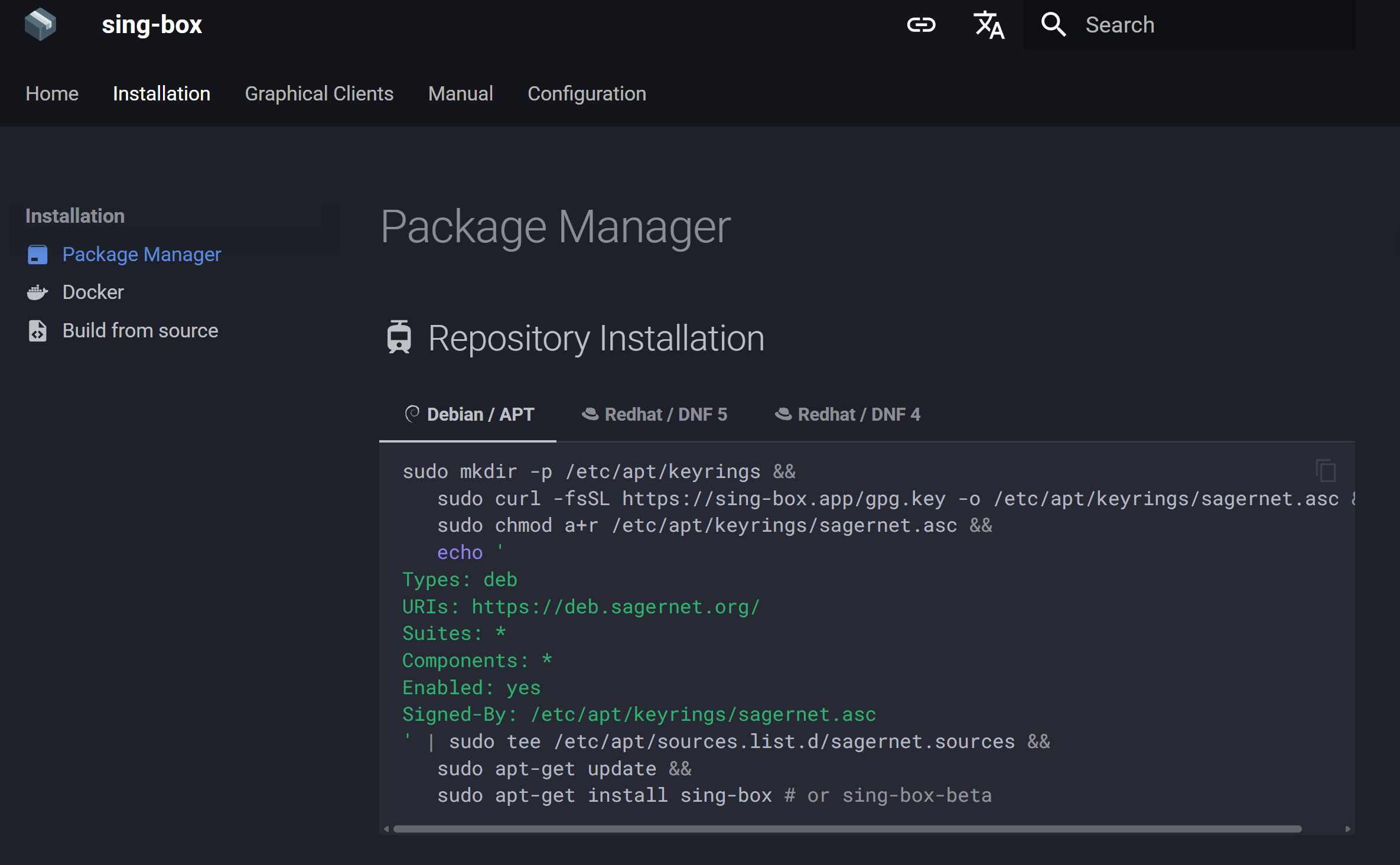
在shell中执行下面的脚本就可以完成sing-box源添加和程序的安装。
sudo mkdir -p /etc/apt/keyrings &&
   sudo curl -fsSL https://sing-box.app/gpg.key -o /etc/apt/keyrings/sagernet.asc &&
   sudo chmod a+r /etc/apt/keyrings/sagernet.asc &&
   echo '
Types: deb
URIs: https://deb.sagernet.org/
Suites: *
Components: *
Enabled: yes
Signed-By: /etc/apt/keyrings/sagernet.asc
' | sudo tee /etc/apt/sources.list.d/sagernet.sources &&
   sudo apt-get update &&
   sudo apt-get install sing-box # or sing-box-beta
3. 核心参数说明
在编写配置文件前,需准备以下关键要素:
- UUID: 通用唯一识别码,充当连接的认证密钥。如果客户端访问时不能提供这个UUID,则流量将转移到配置文件中指定的服务器。
- KeyPair (PrivateKey/PublicKey): Reality 使用非对称加密。服务端存储私钥(PrivateKey),客户端使用公钥(PublicKey)。
- Short ID: 一个长度为 8-16 位的十六进制字符串,用于增强 Reality 握手过程中的身份验证,防止未授权的嗅探尝试。
- Dest: 伪装的目标域名。必须是支持 TLSv1.3 的大流量网站(如
www.microsoft.com或www.yahoo.com),且与服务器地理位置的访问延迟较低。
4. 环境配置步骤
- 生成 UUID: 使用命令
sing-box generate uuid - 生成 Reality 密钥对: 使用命令
sing-box generate reality-keypair。PrivateKey 填入服务端配置,PublicKey 用于客户端连接。 - 生成 Short ID: 使用命令
sing-box generate rand --hex 8
5. 服务端配置文件 (config.json)
以下配置文件实现了 Reality 入站服务,并同时在本地监听 7890 端口以提供 HTTP/SOCKS5 代理服务。
/etc/sing-box/config.json
{
  "log": {
    "level": "info",
    "timestamp": true
  },
  "inbounds": [
    {
      "type": "vless",
      "tag": "vless-in",
      "listen": "::",
      "listen_port": 443,
      "sniff": true,
      "sniff_override_destination": true,
      "users": [
        {
          "uuid": "填入生成的_UUID",
          "flow": "xtls-rprx-vision"
        }
      ],
      "tls": {
        "enabled": true,
        "server_name": "www.microsoft.com",
        "reality": {
          "enabled": true,
          "handshake": {
            "server": "www.microsoft.com",
            "server_port": 443
          },
          "private_key": "填入生成的_PrivateKey",
          "short_id": [
            "填入生成的_ShortID"
          ]
        }
      }
    },
    {
      "type": "mixed",
      "tag": "local-proxy",
      "listen": "127.0.0.1",
      "listen_port": 7890
    }
  ],
  "outbounds": [
    {
      "type": "direct",
      "tag": "direct"
    },
    {
      "type": "block",
      "tag": "block"
    }
  ],
  "route": {
    "rules": [
      {
        "inbound": "local-proxy",
        "outbound": "direct"
      }
    ]
  }
}
6. 部署要点
- 端口放行: 确保操作系统防火墙(如
ufw或iptables)已开放 TCP 443 端口。 - 本地代理: 配置文件中的
mixed入站类型允许服务端本地程序通过http://127.0.0.1:7890或socks5://127.0.0.1:7890进行网络请求。 - 权限管理: 建议以非 root 用户身份运行 sing-box,并确保其对
config.json具有读取权限。 - 回传地址: Reality 的
handshake字段应指向高性能且支持 TLS 1.3 的合法域名,以确保流量特征的真实性。
发表回复